
Groups are managed from the Platform9 Admin Settings Dashboards. Navigate via the User Avatar Menu or the Application Switcher Settings option.
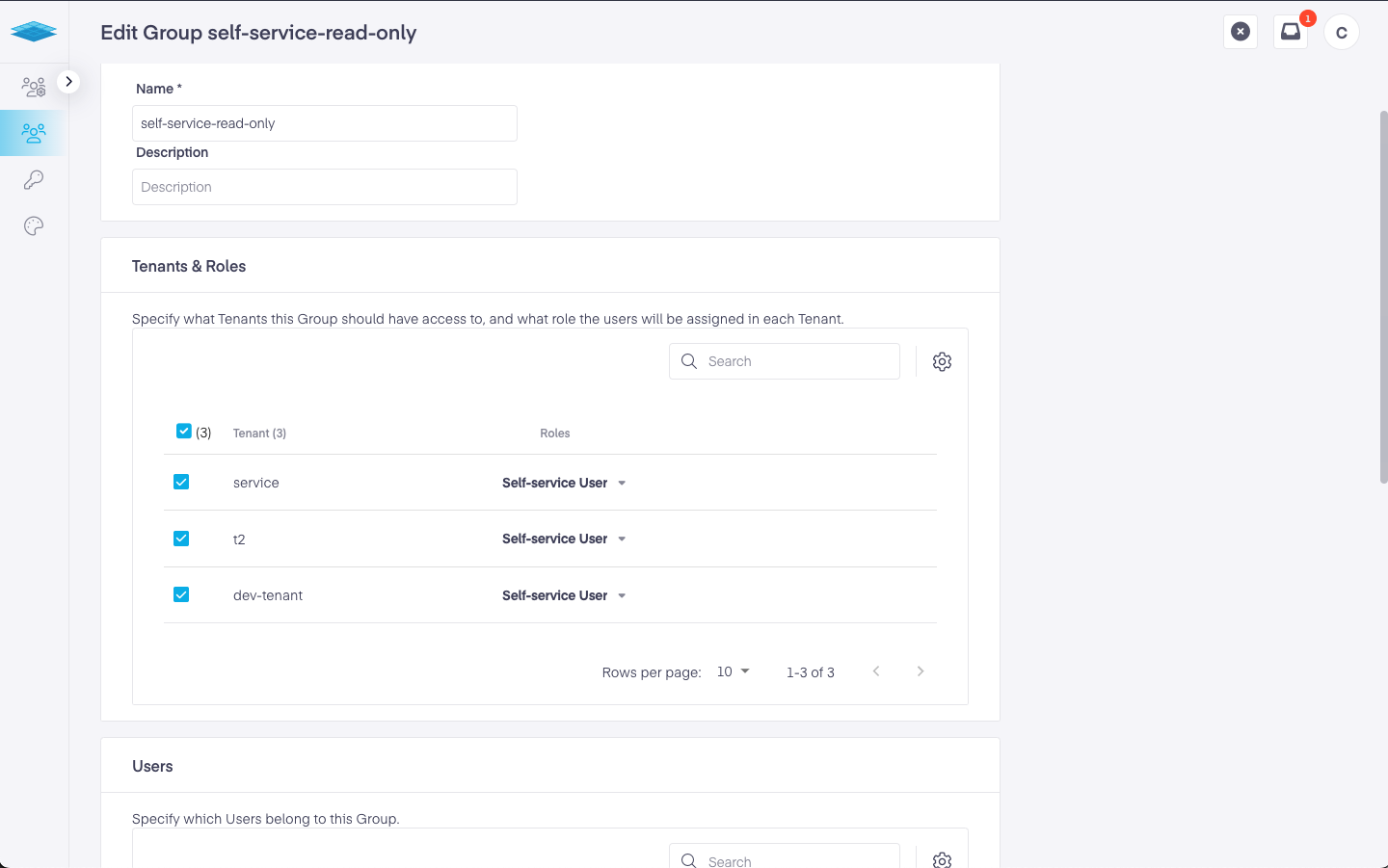
Any Platform9 user can be added to any number of groups, once created the Platform9 Group can then be used to assign access into Kubernetes Clusters using ClusterRoleBindings and RoleBindings. User groups are automatically provisioned to any managed Kubernetes cluster and access is assed against a clusters RBAC in real-time as a user interacts with a cluster via the Platform9 WebApp or using KubeCtl.
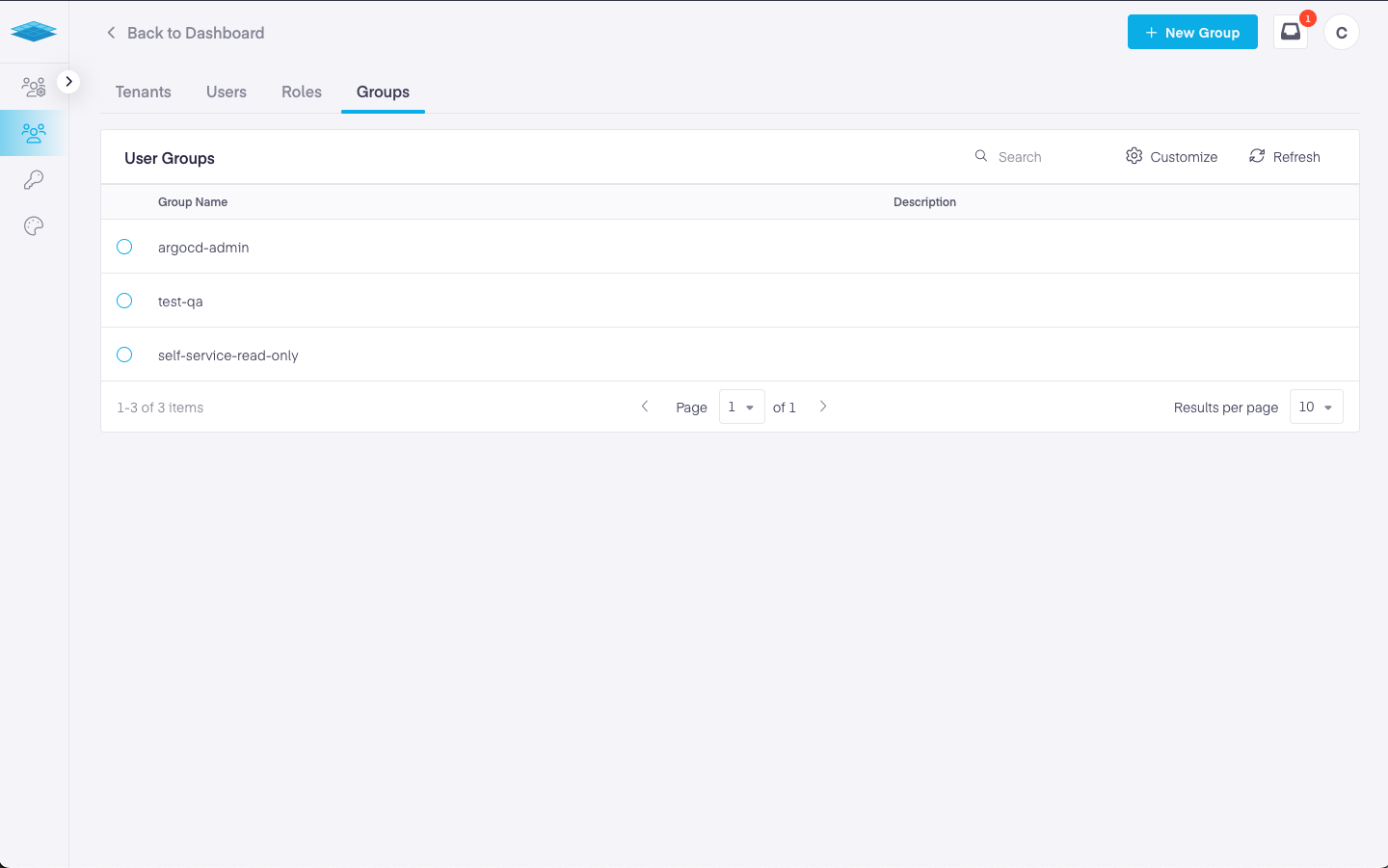
To create or edit a group navigate to Tenants & Users -> Groups tab.
Was this page helpful?
Overview
Getting Started
Clusters
PMK CLI
APIs
In Cluster Monitoring
Catapult Remote Monitoring
Platform9 Managed Add-ons
Workloads & Apps
Support
Powered by