
Introduction
Getting Started
Support
VM Advanced Operations
Powered By

Title
Message
Create new category
What is the title of your new category?
Edit page index title
What is the title of the page index?
Edit category
What is the new title of your category?
Edit link
What is the new title and URL of your link?
Delete VMs
Copy Markdown
Open in ChatGPT
Open in Claude
There are two ways to a VM from Platform9 Managed KubeVirt UI.
Option #1
- Select the VM from the All VMs view
- Click on the 3 buttons at the end of the row, which will produce a menu
- Select Delete

Option #2
- Select the VM from the All VMs view
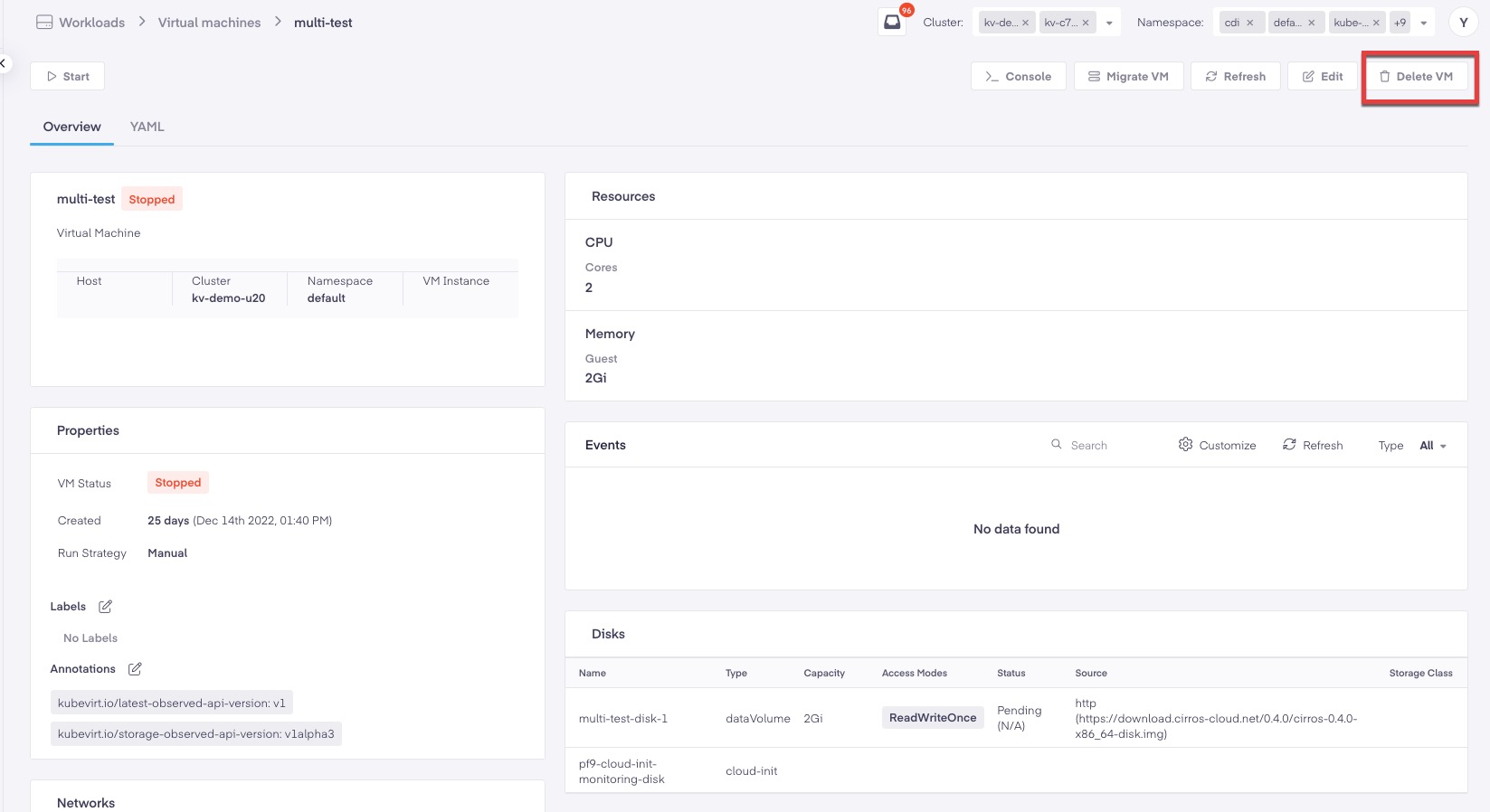
- From the VM details view select
**Delete VM**from the management actions in the upper right hand corner. - Select
**Delete VM**from the Pop up window.
Type to search, ESC to discard
Last updated on
Was this page helpful?
Next to read:
Live MigrationDiscard Changes
Do you want to discard your current changes and overwrite with the template?
Archive Synced Block
Message
Create new Template
What is this template's title?
Delete Template
Message