This article walks you through the steps to deploy PMK OVA on your VirtualBox environment.
Download the VirtualBox OVA.
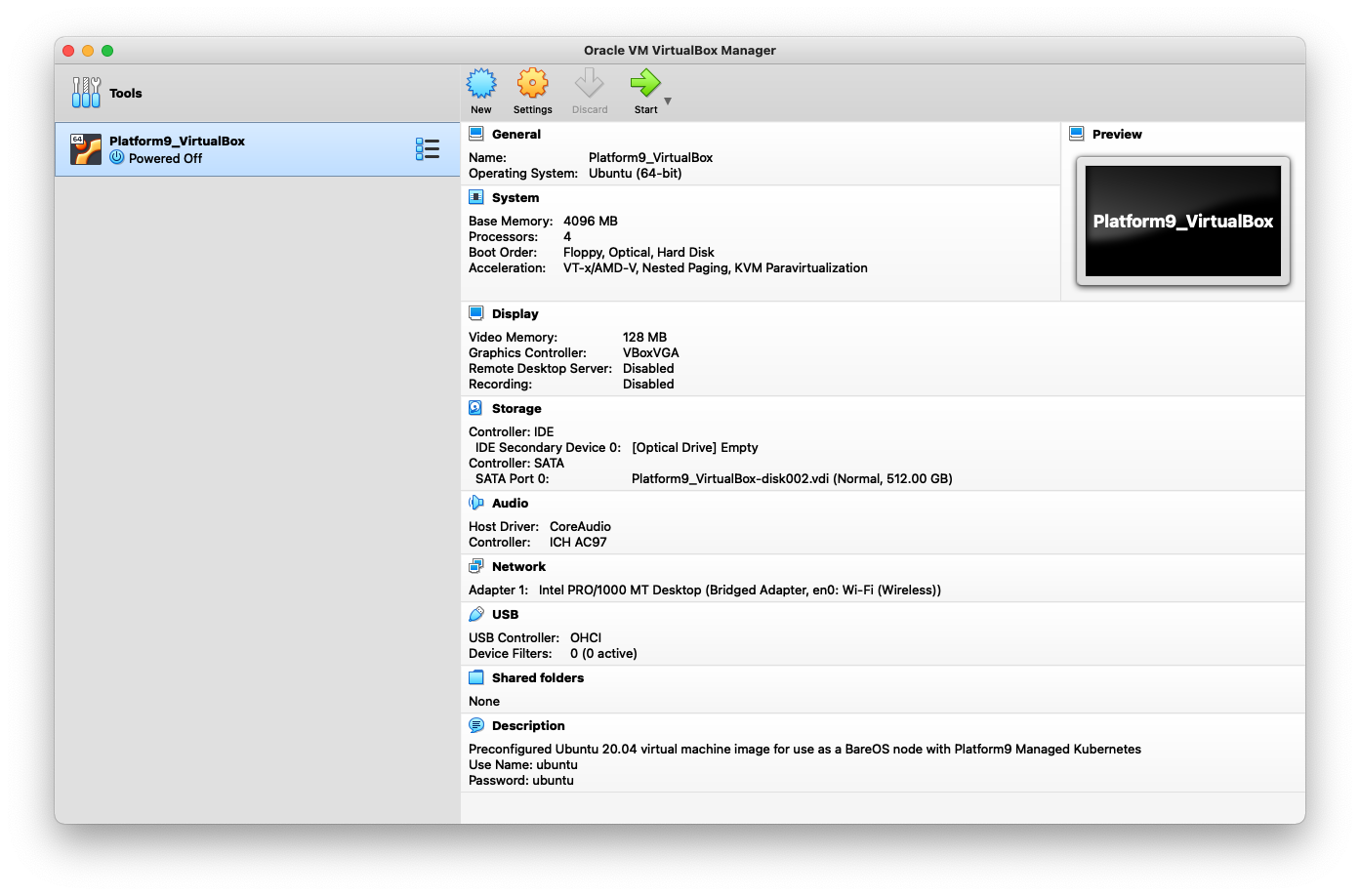
Import the OVA into VirtualBox.


Once the OVA is running, login using the initial user and password:
ubuntu/ubuntu.
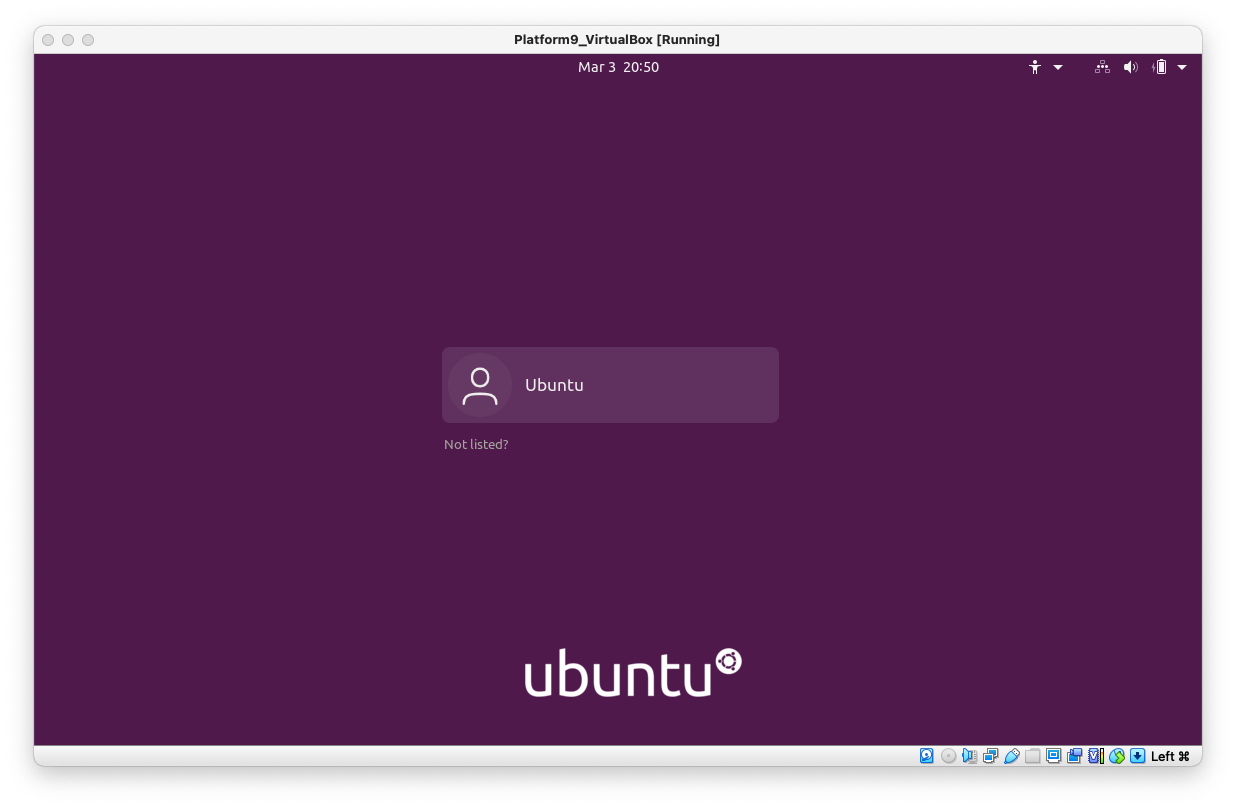
Note: The default login for PMK versions older than 5.4 of the Virtual Box OVA is admin/admin.
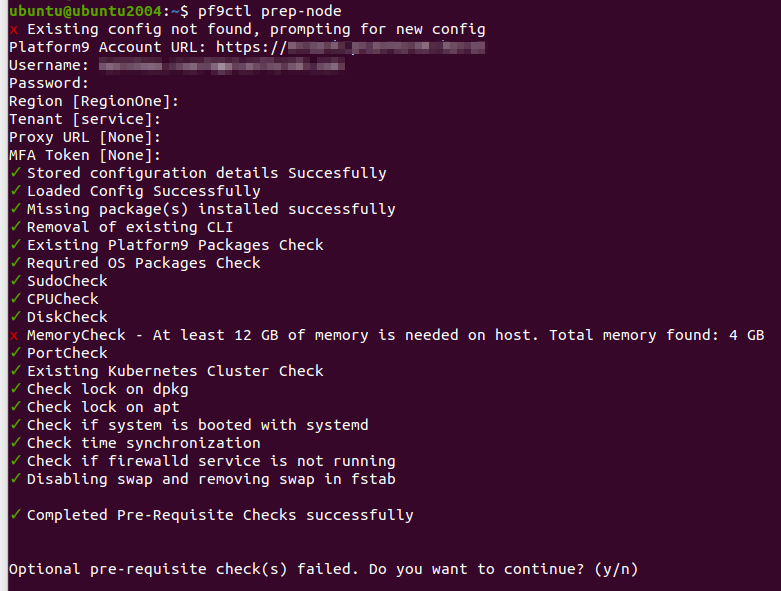
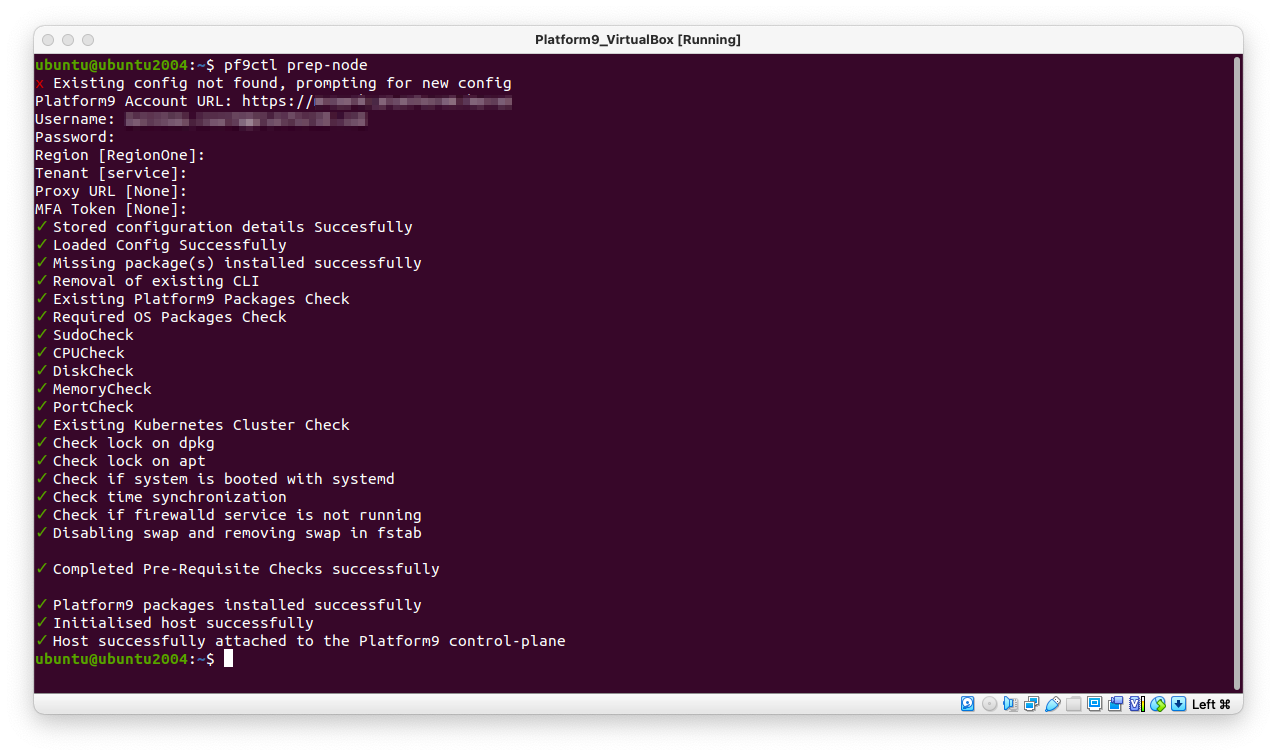
Upon login, run this command from the VM command line to prepare the VM with pre-requisites to run as a node for a Kubernetes cluster:
pf9ctl prep-node.
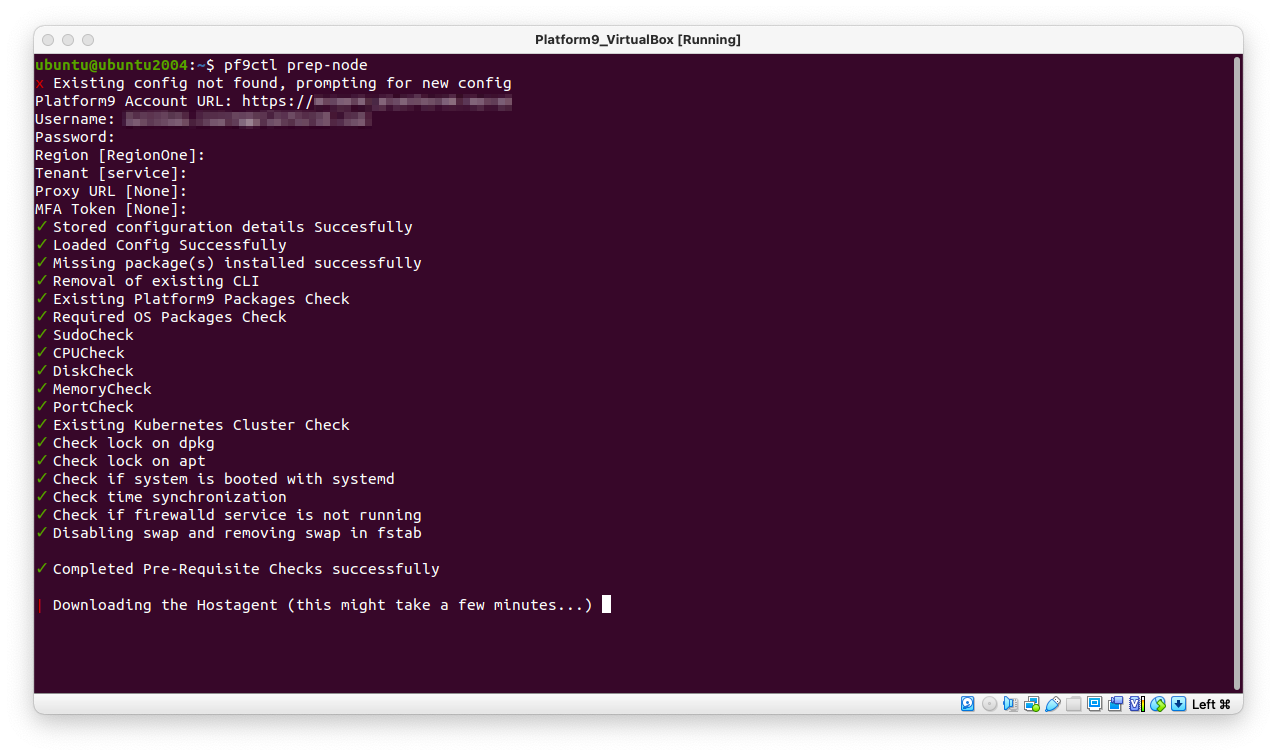
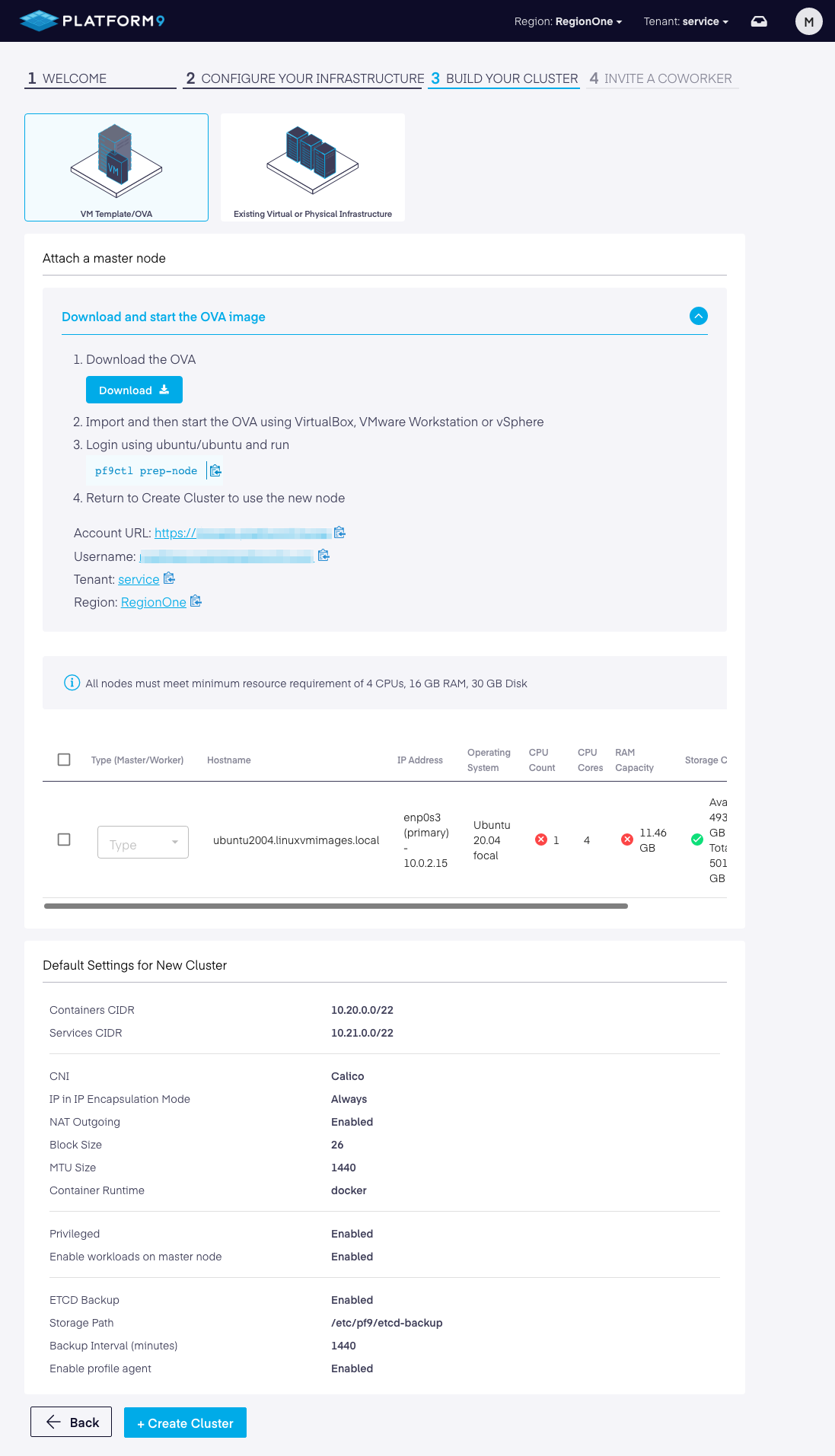
The installation is now complete and the host is successfully attached to the Platform9 control-plane.
Troubleshooting
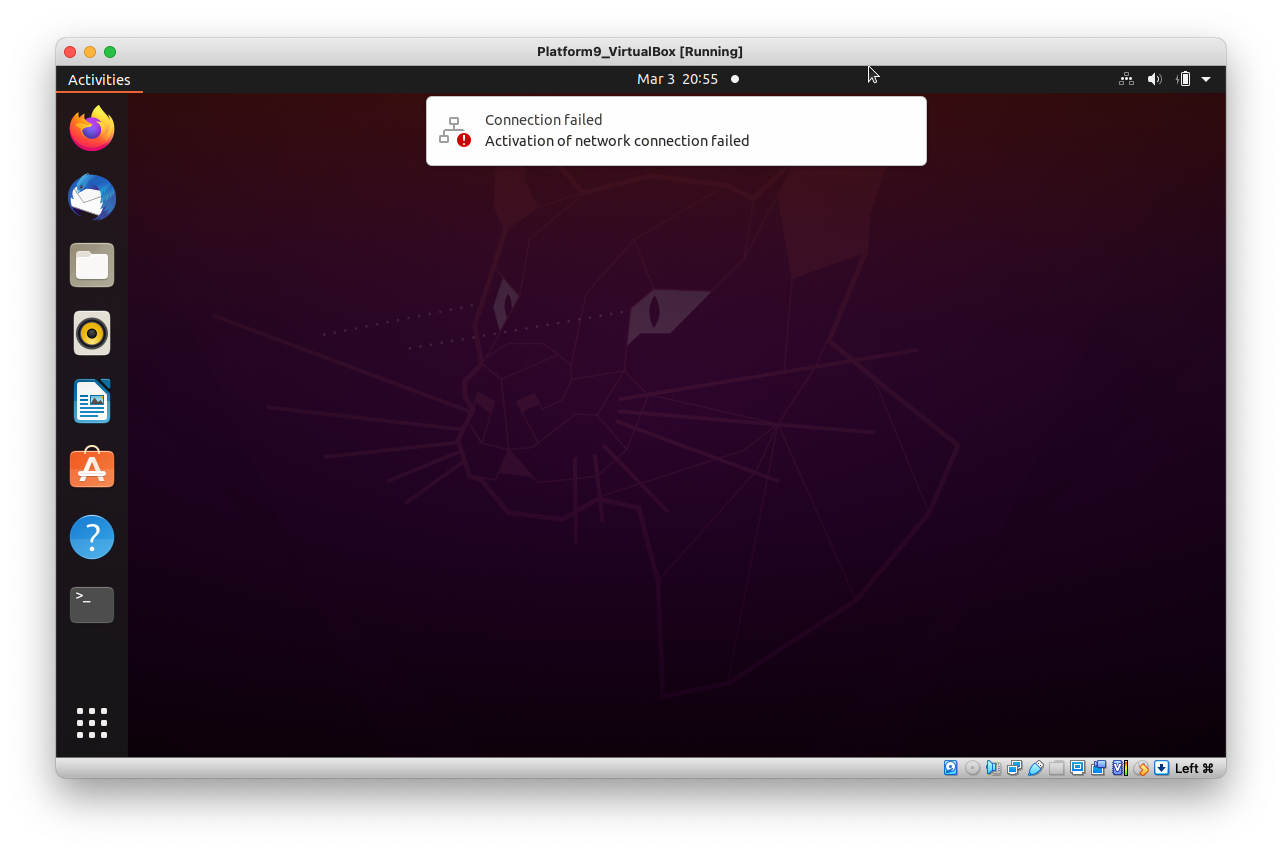
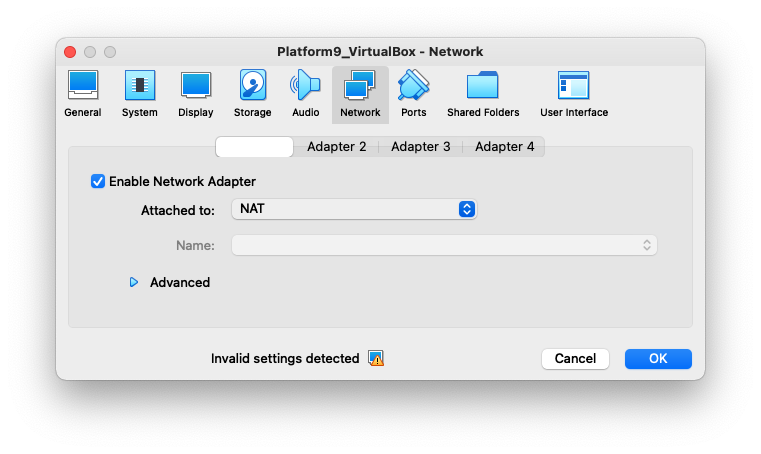
If you get a notification that the "Activation of network connection failed" within the OVA, change the VirtualBox network settings to be attached to "NAT" instead of "Bridged Adapter" mode.
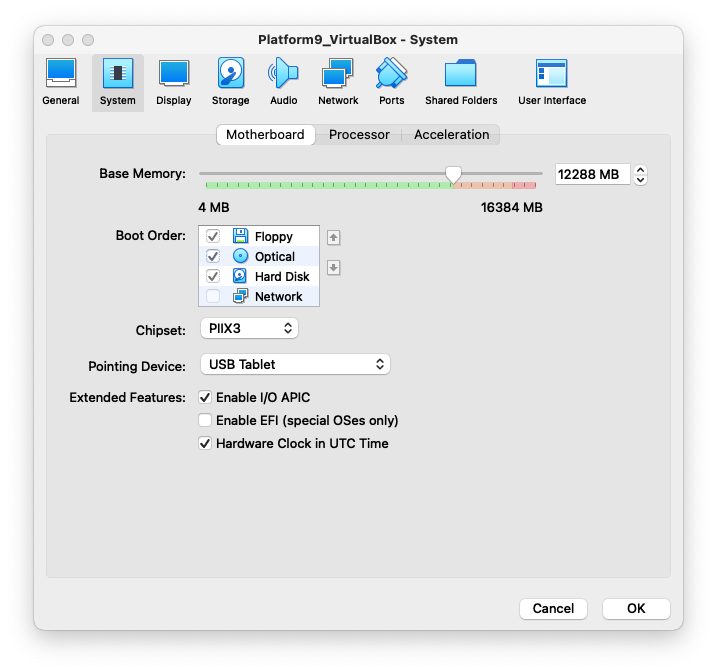
The OVA may be configured with an insufficient amount of Base Memory for the PF9 installation. Re-allocate the Base Memory to at least 12 GiB (12288 MB) in order for the PF9 installation to succeed.