
Overview
Getting Started
Clusters
PMK CLI
APIs
In Cluster Monitoring
Catapult Remote Monitoring
Platform9 Managed Add-ons
Platform Administration
Workloads & Apps
Support
Powered By

Delete a Profile
To delete an RBAC profile, simply select the Profile, and click the delete icon.
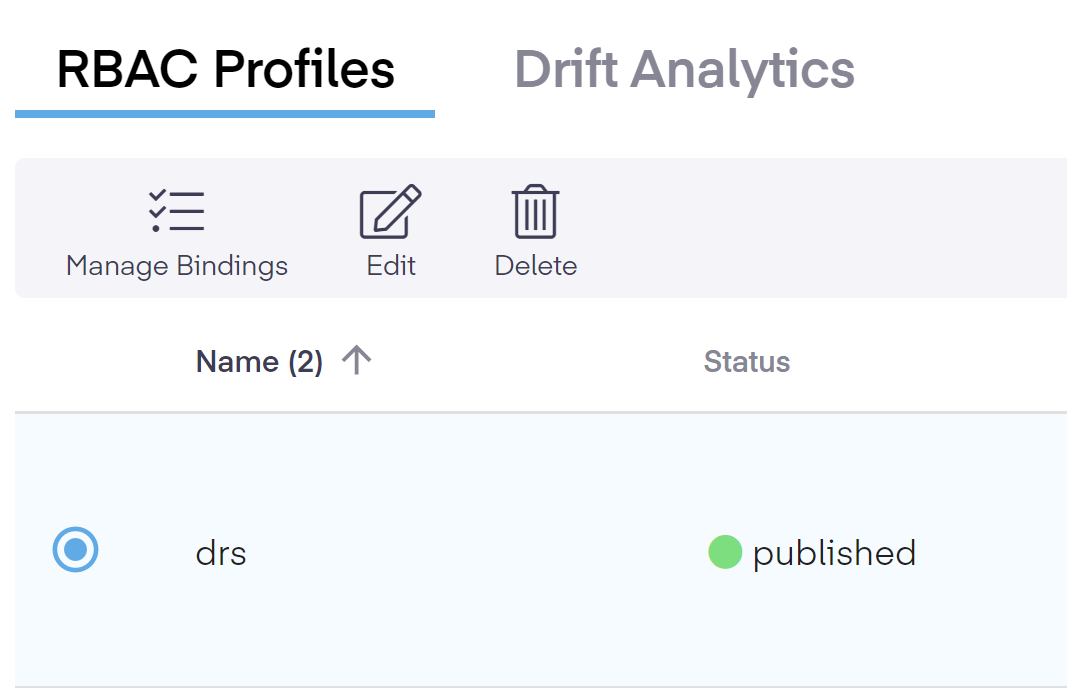
A pop-up will appear asking you to confirm your choice.
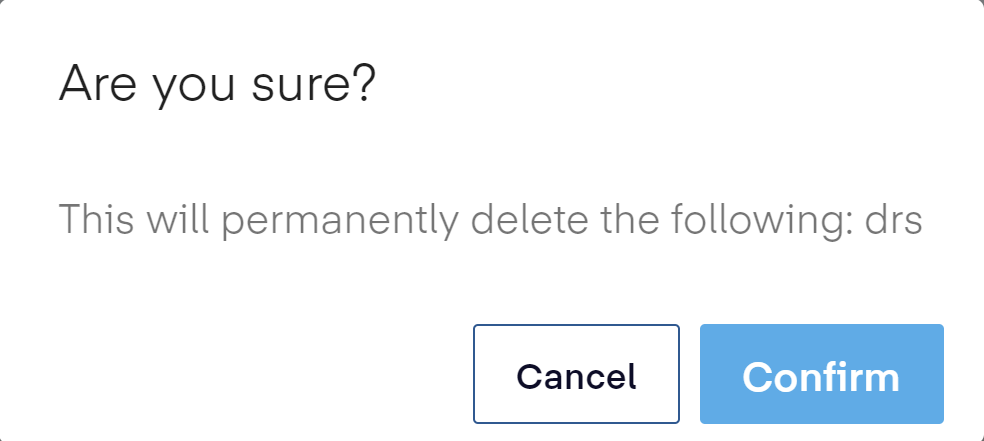
Click the Confirm button to remove the profile.
Note
Detaching a profile only removes the relationship to the cluster. This action does not remove the policies, only their management, since a cluster can only be related to one RBAC profile at a time. Applying a new profile will remove the previous profile.
Was this page helpful?