
Introduction
Getting Started
Support
Powered By

There are two ways to a VM from Platform9 Managed KubeVirt UI.
Option #1
Select the VM from the All VMs view
Click on the 3 buttons at the end of the row, which will produce a menu
Select Delete

Option #2
Select the VM from the All VMs view
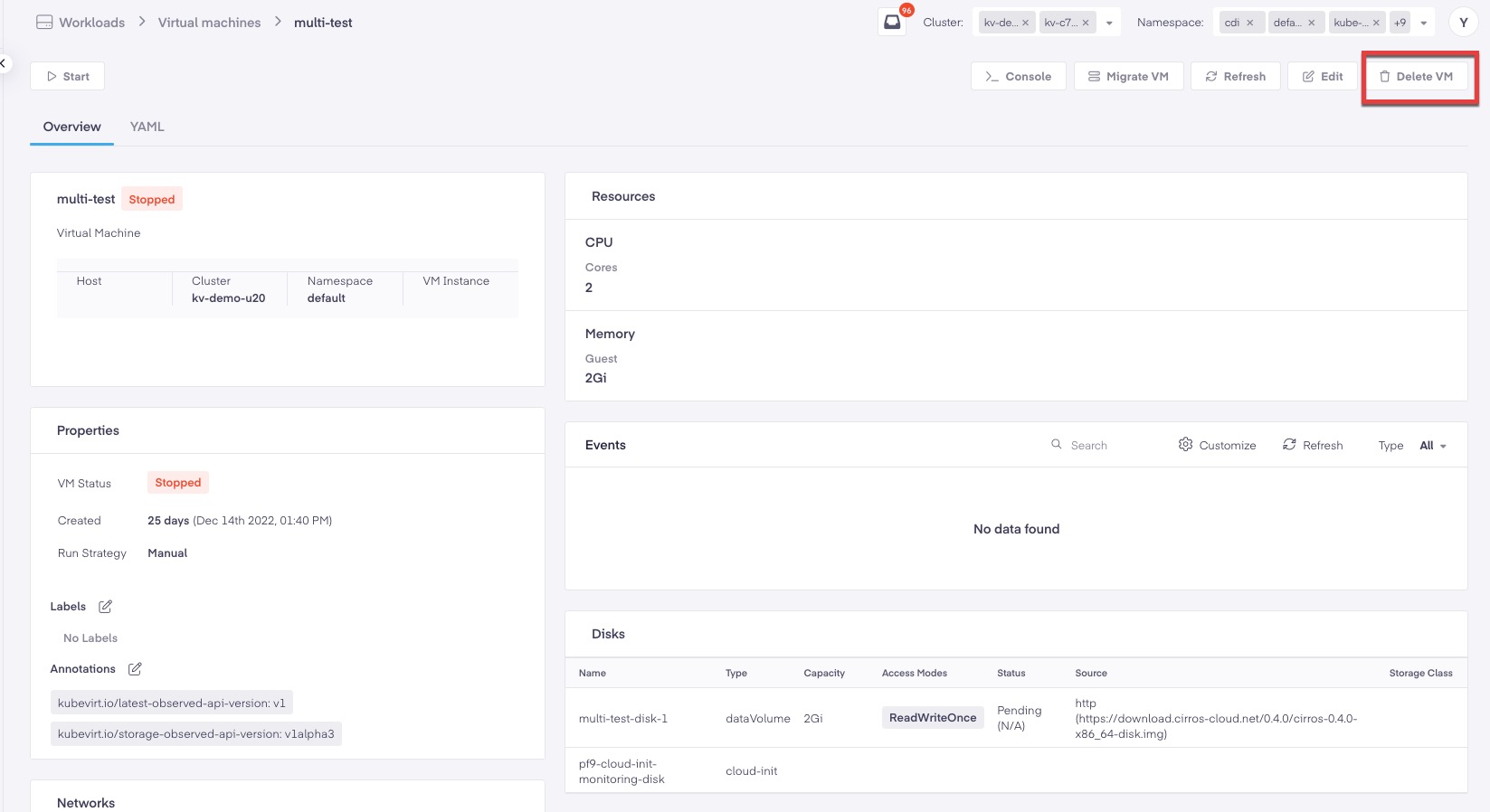
From the VM details view select
**Delete VM**from the management actions in the upper right hand corner.Select
**Delete VM**from the Pop up window.
Was this page helpful?