

This article describes the steps to create a Kubernetes cluster that is managed by Platform9 Managed Kubernetes (PMK) on Microsoft Azure cloud.
What you’ll need
Access to the inbox of a valid email address.
Azure account that meets the Azure Native Clusters.
SSH key to secure the instances - you can save your own in Azure or create a key on Azure
Create Azure Cloud Provider on Platform9
Before associating your account, make sure it meets the minimum requirements. To use your Azure account, you will need to provide information from an Azure service principle. (We recommend creating a new principle to keep Platform9 created objects separate from your personal Azure objects.)
From your PMK Dashboard, select "Build on Public Cloud".
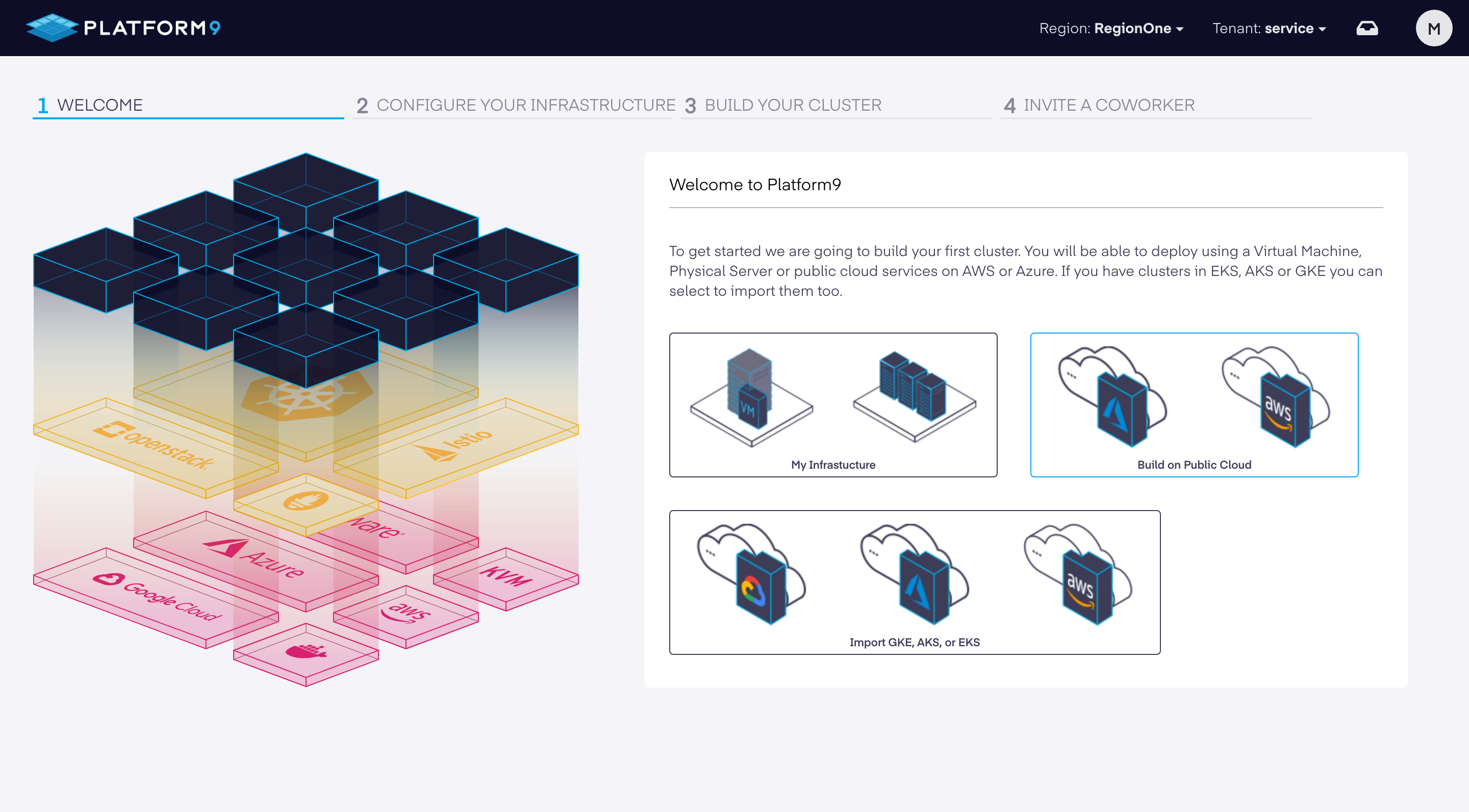
Select "Microsoft Azure".
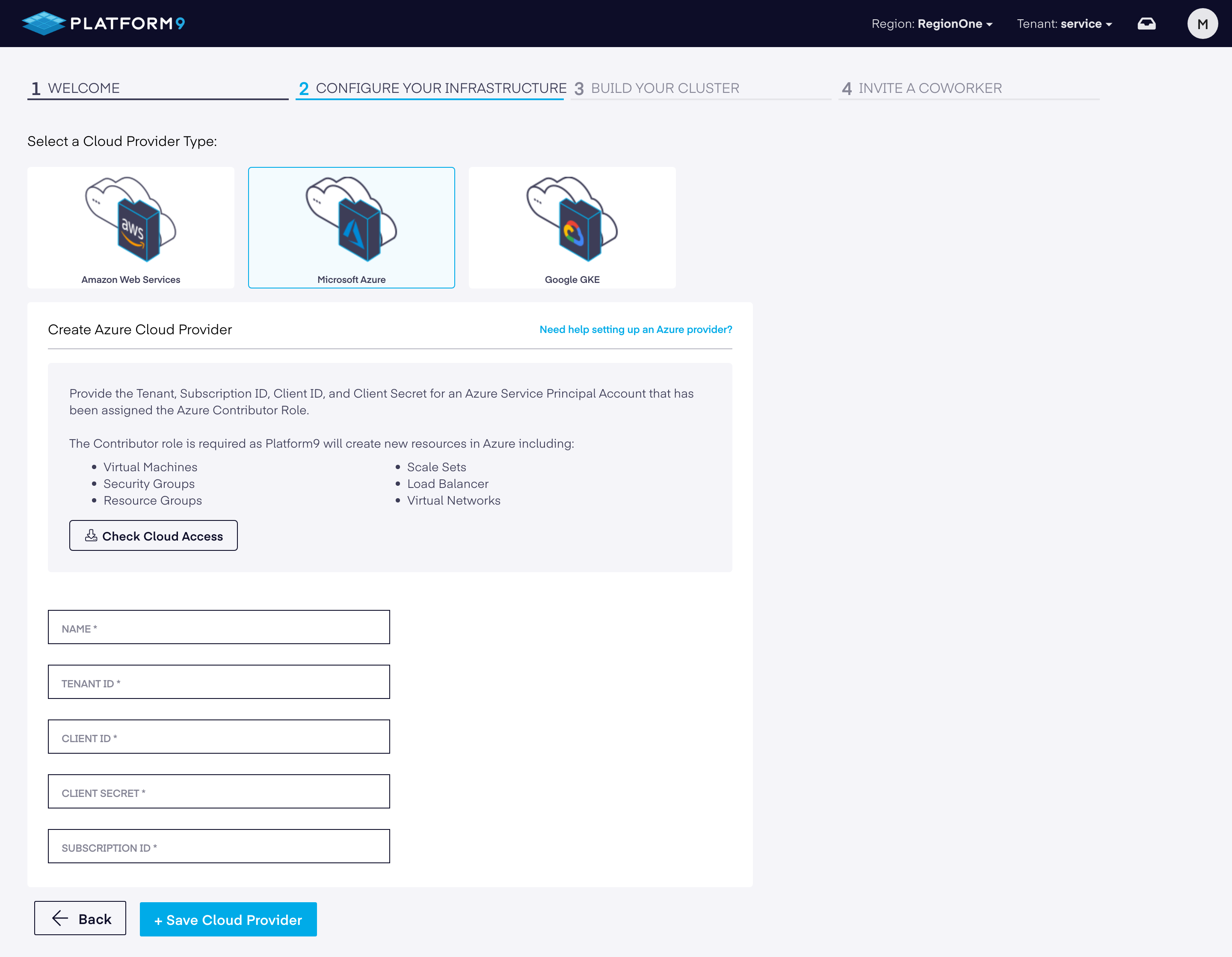
Fill in the Azure Cloud Provider information and credentials, and then click on "+ Save Cloud Provider".
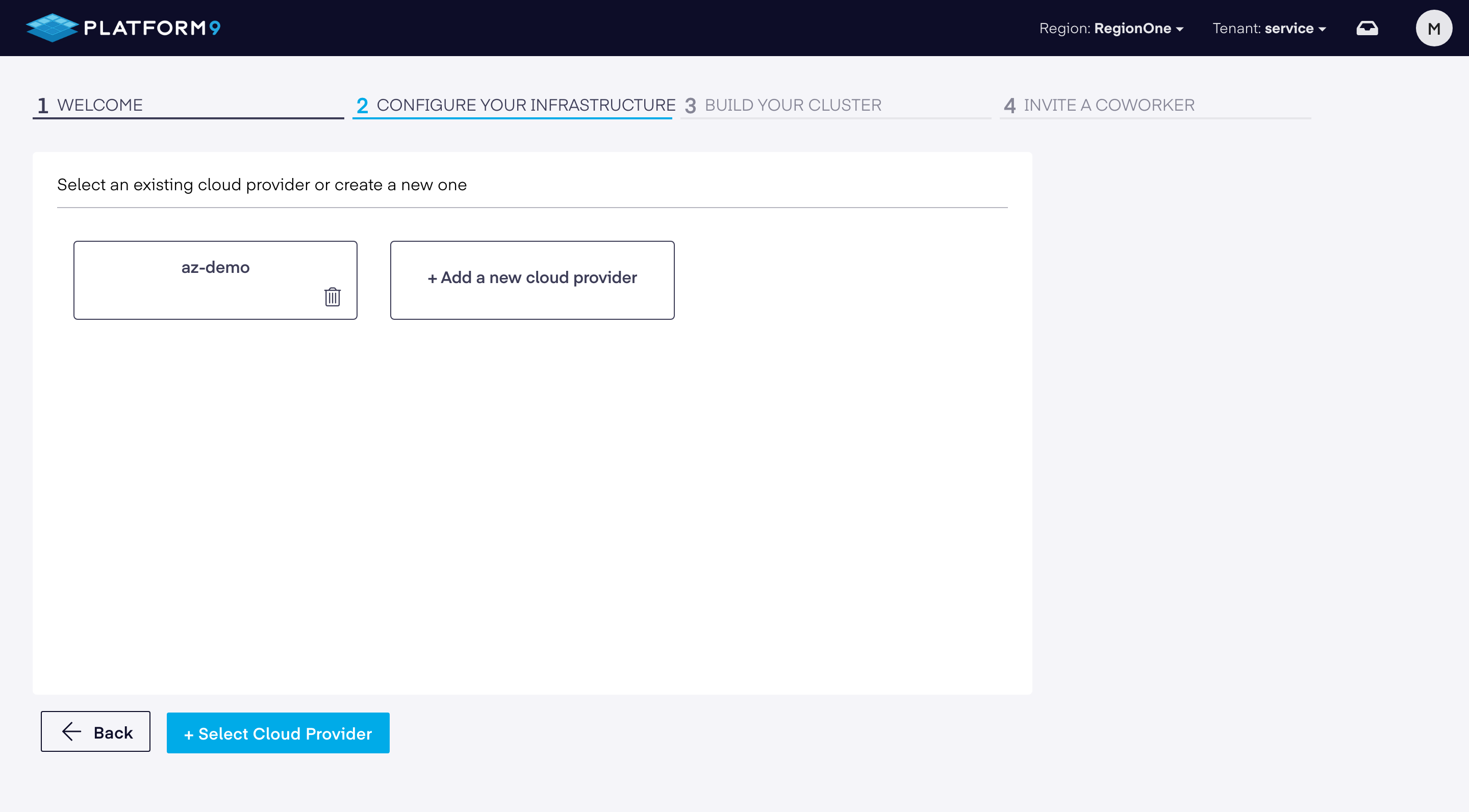
Your Azure account will be validated for correct permissions. Afterward, choose the newly-created cloud provider and then click on "+ Select Cloud Provider".
Select the Region you wish to deploy to within Azure, as well as paste the contents of your public SSH key (if you have not generated an SSH key locally, go ahead and do so now using the
ssh-keygencommand) which you plan on accessing the VM instance(s) with.
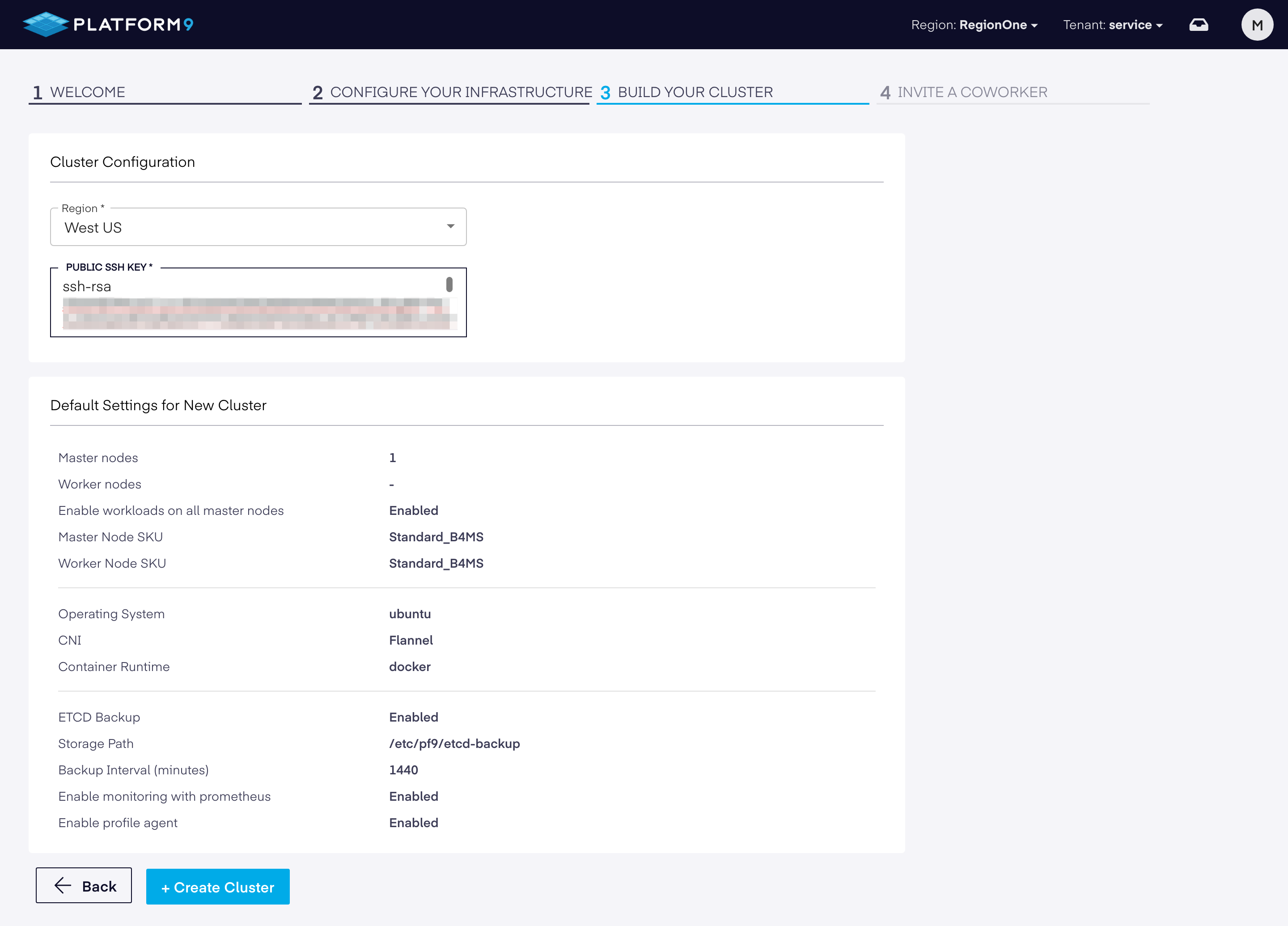
If no regions are accessible from the dropdown, ensure that the Service Principal tied to the application is assigned the Contributor role in Azure AD. For more info, refer to the Azure Native Clusters.
Click on "+ Create Cluster" to complete cluster creation.