
Introduction
Getting Started
Infrastructure
Networks
Volumes and Snapshots
Images
Instances
Flavors
Tenant Administration
User Administration
Accessing VMs
CLI Access
Monitoring & Alarms
Troubleshooting
Tutorials
Support
Regions
Powered By

You can download an application present in the application catalog.
The application is downloaded as a ZIP file.
You must be a self-service user or an administrator to perform this operation.
To download an application, follow the steps given below.
- Log in to Clarity.
- Click Applications in the left panel.
- Click Application Catalog tab.
- Click the Download icon on the Application tile.
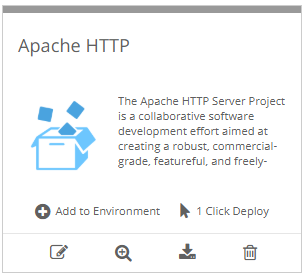
The application zip is downloaded to the user’s local computer.
Was this page helpful?