
Overview
Getting Started
Clusters
PMK CLI
APIs
In Cluster Monitoring
Catapult Remote Monitoring
Platform9 Managed Add-ons
Platform Administration
Support
Powered By

A deployment is an API object that manages a replicated application.
A sample deployment template is available to create a resource YAML for a deployment.
You must be an administrator to perform this operation.
Follow the steps given below to create a deployment.
Navigate to Pods, Deployments, & Services>Deployments>Create New Deployment.
Select Resource Type as deployment.
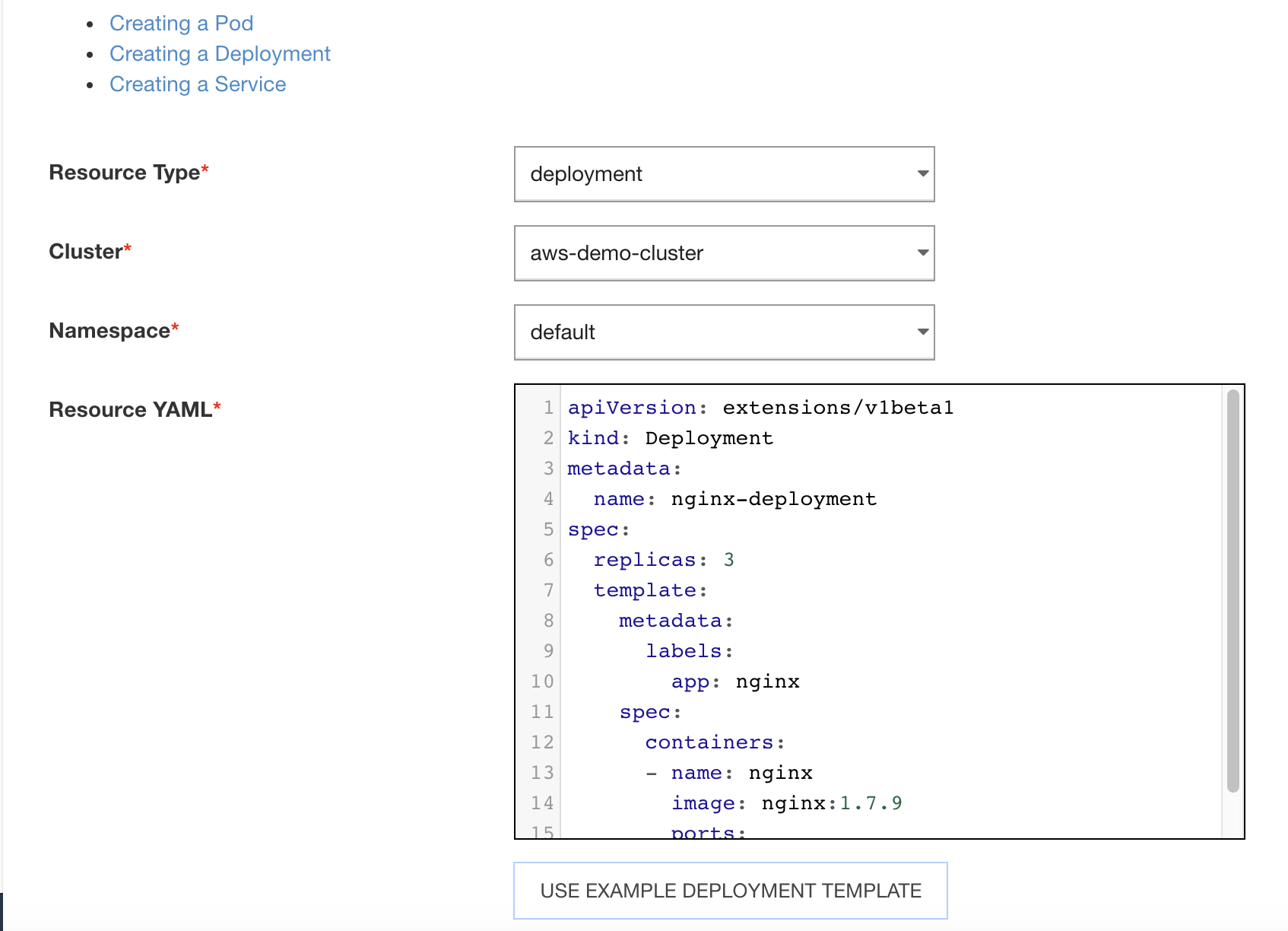
Select the Cluster with which the deployment is to be associated.
Select the Namespace with which the Deployment is to be associated.
Input the resource YAML, or click Example Deployment Template and modify the template to suit your need.
Click Create Resource.
The deployment is created successfully.
Was this page helpful?