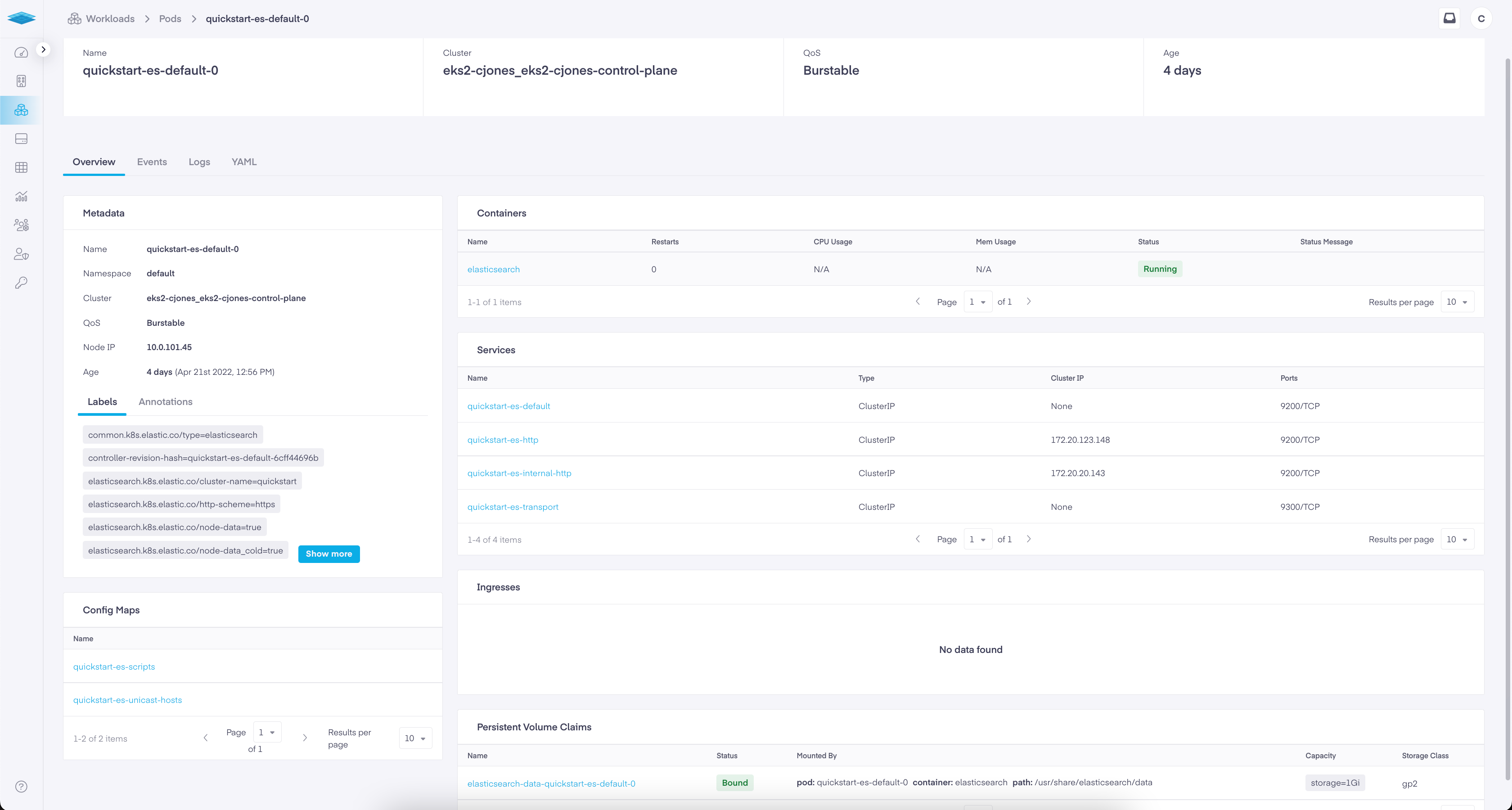
Any application running on Kubernetes is considered to be a workload. Kubernetes Pods run as a single or multiple component when working with each other. A Kubernetes Pod constitutes a set of running containers in a cluster. Pods do not need to be managed directly since users can employ workload resources that manage the Pod sets for us. These resources prepare controllers that ensure the required type and number of pods are running, matching a user-specified state.
Kubernetes provides several built-in workload resources including
Deployment and ReplicaSet — A Deployment furnishes declarative updates for both Pods and ReplicaSets which keeps a stable set of replica Pods running. These are suitable for managing a stateless workload applications on your cluster.
StatefulSet — A StatefulSet allows users to run one or more corresponding Pods that track their state. This improves overall Pod resilience.
DaemonSet — A DaemonSet ensures that some or all nodes run a replica of a Pod. When nodes are added to the cluster, Pods are added to them. When nodes are removed from the cluster, those Pods are garbage collected. Deleting a DaemonSet will clean up the Pods it created. Every time a node is added to the cluster that matches the specification in the DaemonSet, the control plane sets up a Pod for that DaemonSet on the new node.
Job and CronJob — These define tasks that run to completion and then stop. Jobs represent one-off tasks, whereas CronJobs recur according to a schedule. Job and CronJob define tasks that run to completion and then stop. Jobs represent one-off tasks, whereas CronJobs recur according to a schedule.
In the underlying pages, we explore workloads, deployments, and application that can be utilized on a cluster.